What it does
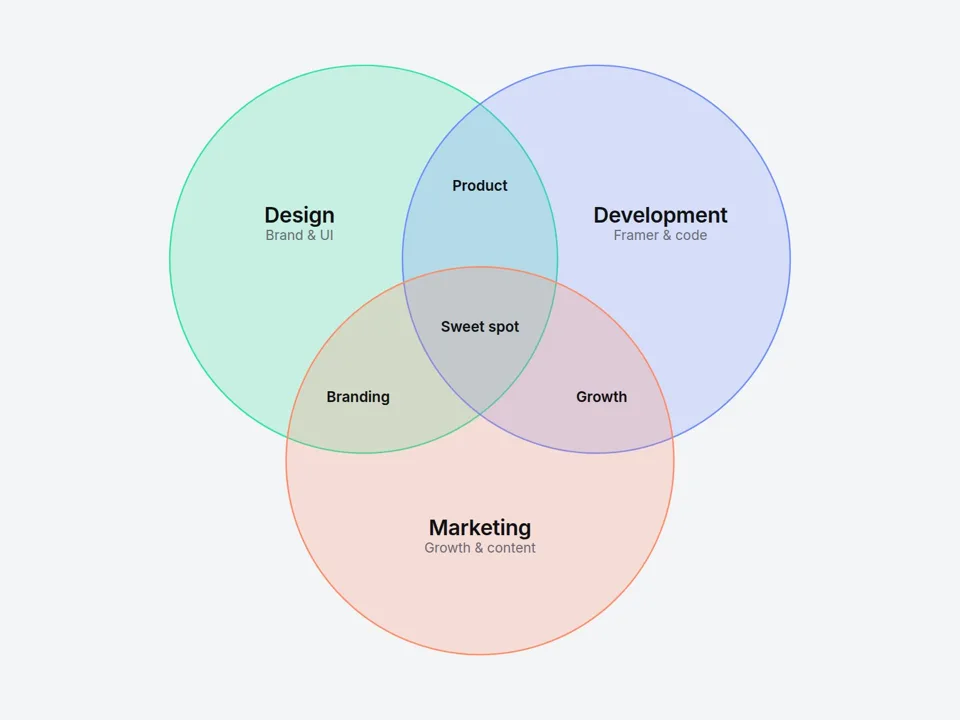
Explain how your skills, services or ideas overlap — in one clean diagram. Name each circle and every overlap (up to 7 areas), and visitors can hover or tap any area to see a short explanation in the caption below.
Perfect for agency "what we do" sections, portfolios, SaaS positioning and pitch-style landing pages.
Customizable properties
- Circles — 2 or 3
- Circle A / B / C — label, note, color and a hover detail
- Overlaps — A∩B, A∩C, B∩C and Center labels with their own details
- Overlap — how close the circles sit (10–80%); labels re-position automatically
- Fill — Tint, Blend (colors mix where they overlap) or Outline
- Hover Highlight — highlights exactly the area under the cursor (tap on mobile)
- Caption — default text, shown or hidden
- Entrance — circles glide in once when scrolled into view
- Style — text, sub text, stroke, highlight and caption colors
- Fonts — label, note, region and caption fonts
Why this component
- Real area-by-area interaction: not just the circles — each overlap is its own hover target.
- Labels place themselves inside the correct area, whatever overlap you choose.
- Pure SVG: crisp at any size, text scales with the diagram, no images to export.
Need help?
Email hello@brandingupstudio.com — we usually reply within 72 hours. Custom edits are available from $75/hr.